Feature

    Five broker logins isn't a portfolio. It's a part-time job.

    Every account you hold lives in its own app, with its own login and its own export format. Portfellow connects to each one directly and pulls it into a single dashboard β€” automatically, for good.

    Bank & Broker Integration in Portfellow

    Your net worth, scattered across five tabs

    Checking what you actually own shouldn't require five passwords and a calculator.

    Five logins, one net worth

    Every broker, bank, and pension account you hold means another tab, another password, another place your real total is hiding.

    Cost basis quietly goes wrong

    A partial CSV import or an unhandled split, and suddenly your return is calculated from the wrong starting number β€” and you'd never know.

    Manual entry breaks the moment you stop

    A spreadsheet is only as current as the last time you updated it by hand. Most people stop updating it within a month.

    Key highlights

    Automatic sync with banks and brokers

    Support for major European financial institutions

    Real-time portfolio updates

    No manual data entry required

    New integrations added regularly

    Deep dive

    One login instead of five

    Every broker and bank has its own portal, its own CSV export, its own quirks. Portfellow connects directly to each one and pulls holdings, transactions, and balances automatically β€” so you stop logging into five places to know what you own.

    Connections sync on their own schedule in the background. When a new dividend lands or you place a trade, it shows up in your unified dashboard without you touching anything.
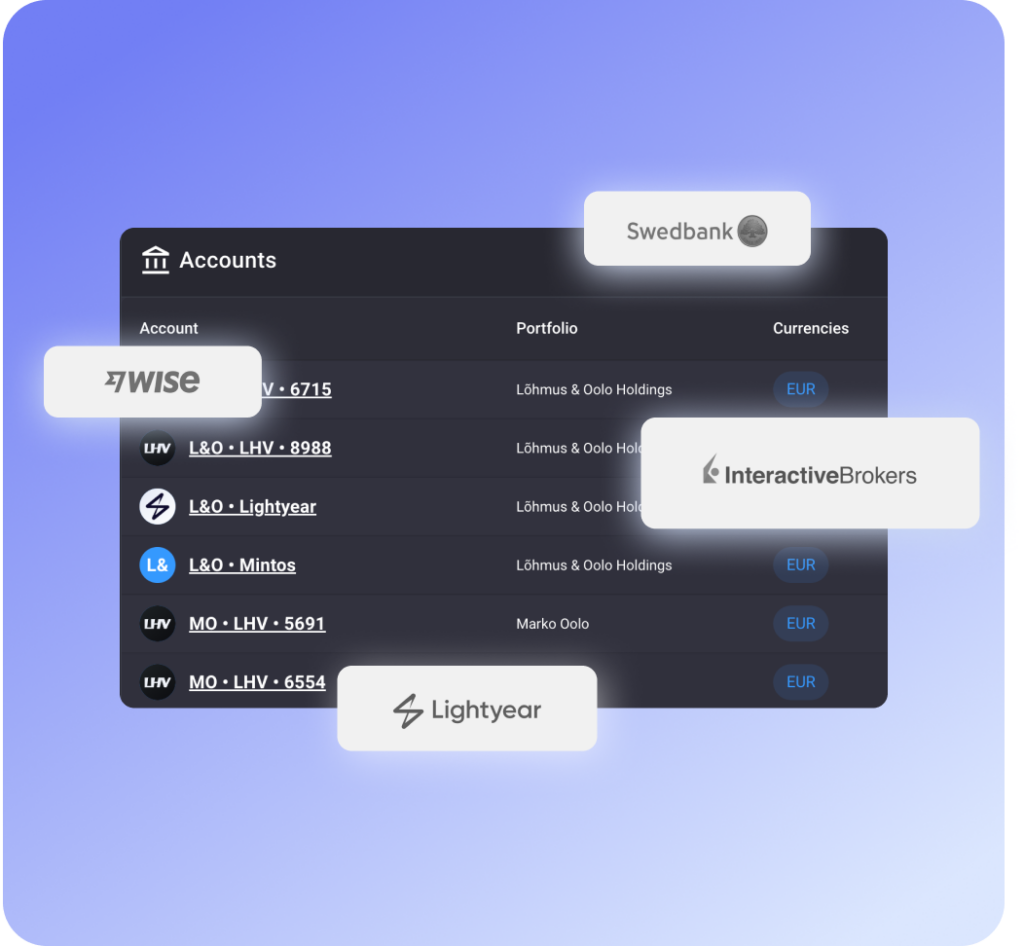
    Connected banks and brokers listed in Portfellow

    Your cost basis, done right

    The most common way portfolio trackers get returns wrong is a bad cost basis β€” a split that wasn't handled, a partial import that started mid-history. Portfellow's connections import full transaction history where the institution provides it, so your cost basis and XIRR start from the right number.

    Where a connection can only give you a current balance, Portfellow will ask for an opening position so nothing is silently misstated.

    Manual accounts fit right in

    Not every account can be connected yet β€” a pension pillar, a private deal, an account at a bank we don't support. You can add those manually and they sit in the exact same dashboard, grouped and reported on alongside your connected accounts.

    There's no second-class citizen here: manual and connected holdings get the same performance tracking, the same analytics, the same reports.

    How it works

    1. 1

      Connect

      Pick your bank or broker and securely link your account in under a minute.

    2. 2

      Reconcile

      Portfellow imports your transactions and flags anything it needs you to confirm β€” a mapped instrument, an opening balance.

    3. 3

      Track automatically

      From then on, balances and transactions sync on their own. Your dashboard stays current without manual entry.

    Connections

    Interactive Brokers
    LHV
    Swedbank
    SEB
    Lightyear
    Wise
    Pensionikeskus
    2,000+ more via open banking

    Built for

    The multi-account investor

    Holdings spread across two or three brokers and a bank account, and tired of stitching together the real picture by hand.

    • One dashboard instead of five logins
    • Balances and trades sync automatically
    • No more copy-pasting into a spreadsheet

    The pension + broker mix

    Tracking Pillar II or III pension funds alongside a regular brokerage account β€” two very different systems that never talk to each other.

    • Pensionikeskus connection for Estonian pension pillars
    • Pension and brokerage holdings in one net worth number
    • Manual accounts for anything not yet connected

    Frequently asked questions

    Stop checking five apps to know what you own.

    Connect your banks and brokers once, and see your true net worth update itself from then on.