August was a busy month. We shipped a new report, made multi-account portfolios much easier to read, and reworked a big chunk of the import flow so it does more of the thinking for you.
Here are the biggest updates.
🔎 New report: Contributions & Withdrawals
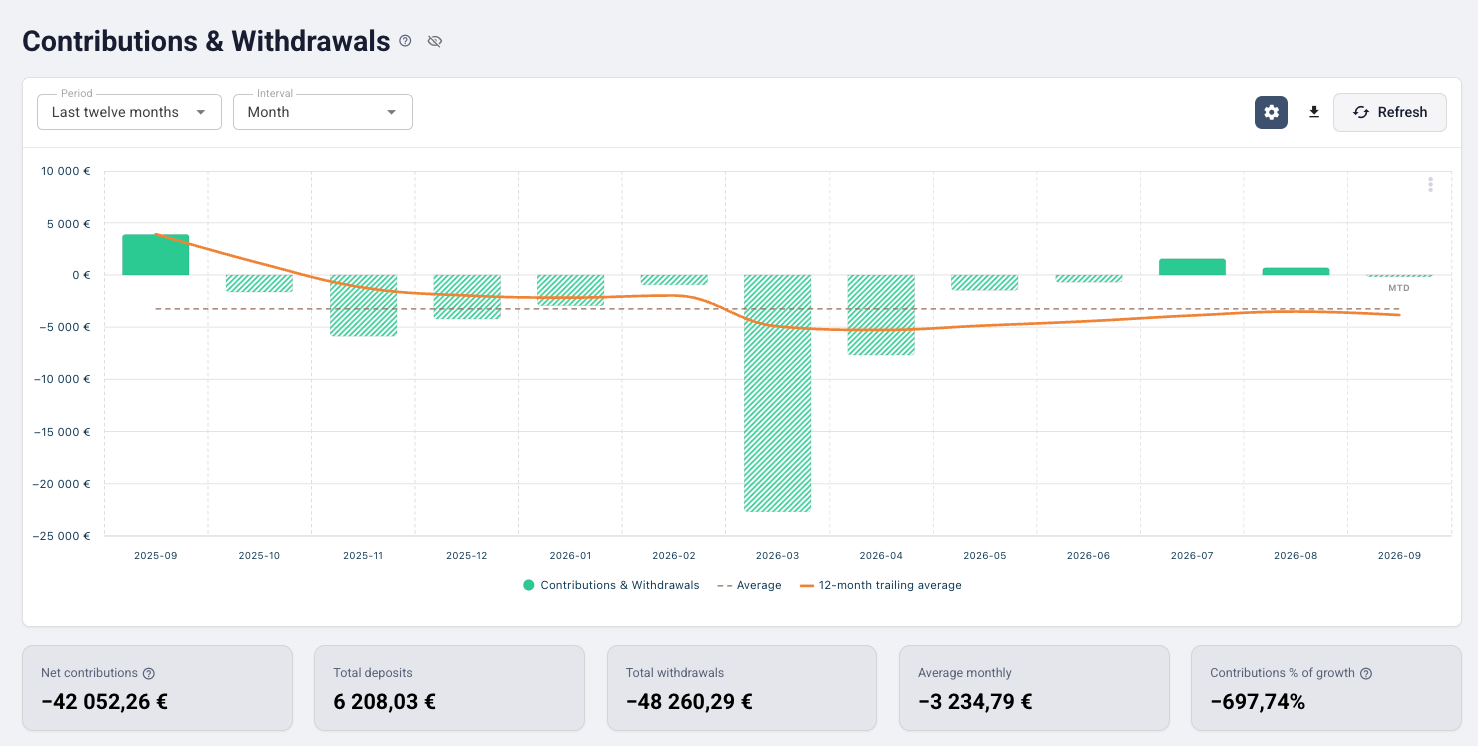
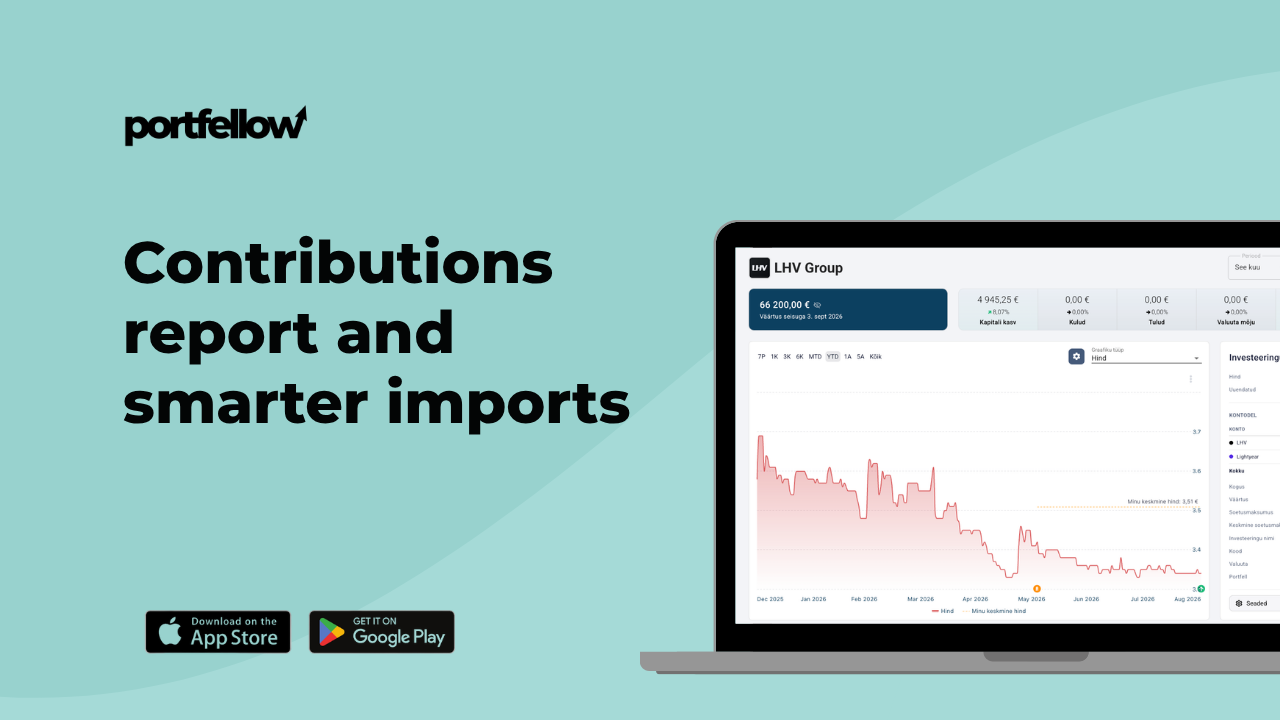
It's easy to lose track of how much of your portfolio is money you actually put in versus what the market did with it. The new Contributions report separates the two — so you can see what you have paid in over time, on its own, without returns muddying the picture.
A nice side effect: it makes "am I on track?" a much more honest question to answer.
🏦 Accounts side by side
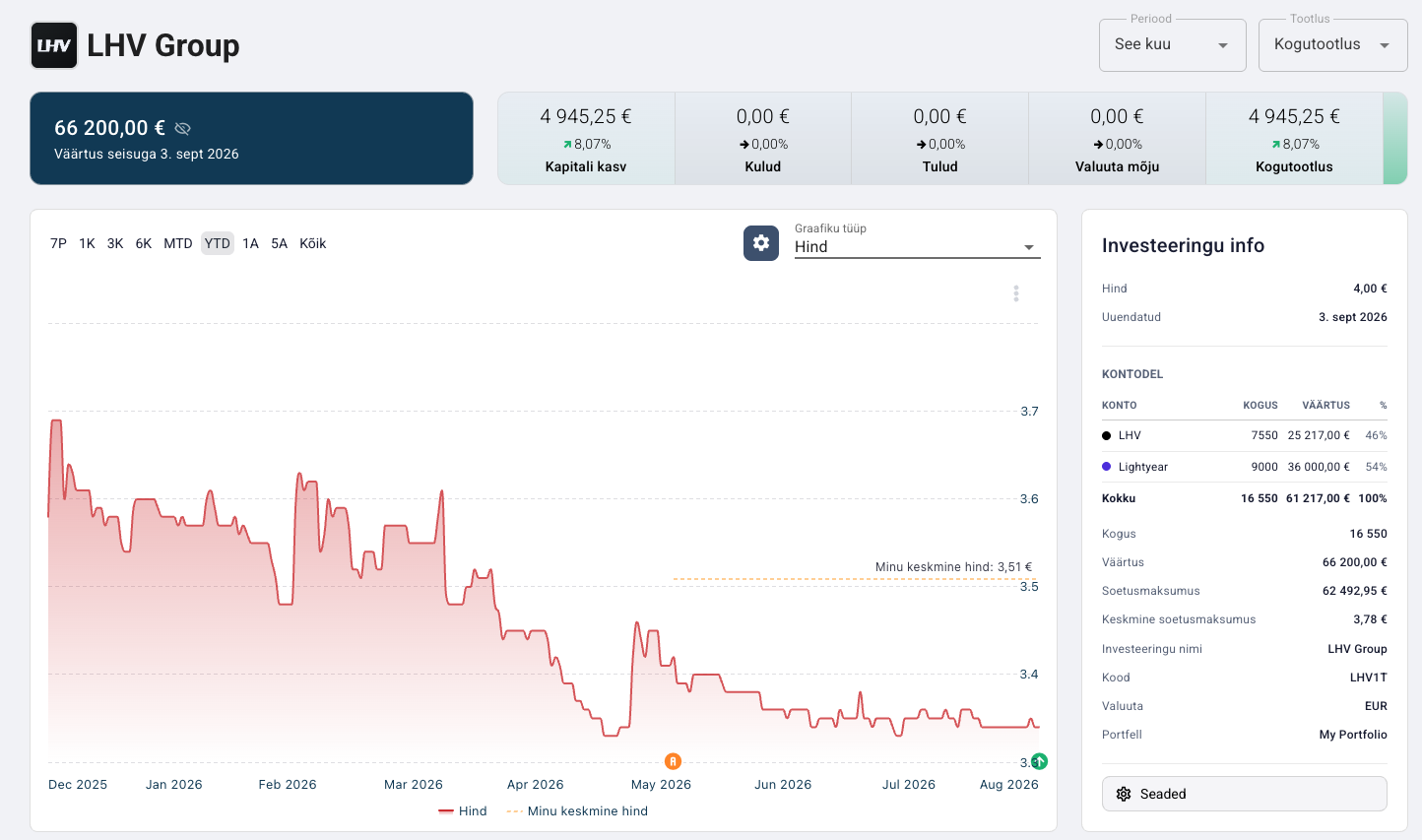
If you hold the same instrument at more than one broker, you know the pain. Now you can:
Group your summary by account and see your accounts side by side.
See the per-broker breakdown of any holding you hold in more than one place.
Choose which portfolios feed a consolidated view from a filterable inclusion table.
This pairs nicely with July's Transfer transaction type: move a position between accounts, and now actually see the per-broker result.
A multi-account portfolio should be as readable as a single one — and now it is.
📥 An import review that explains itself
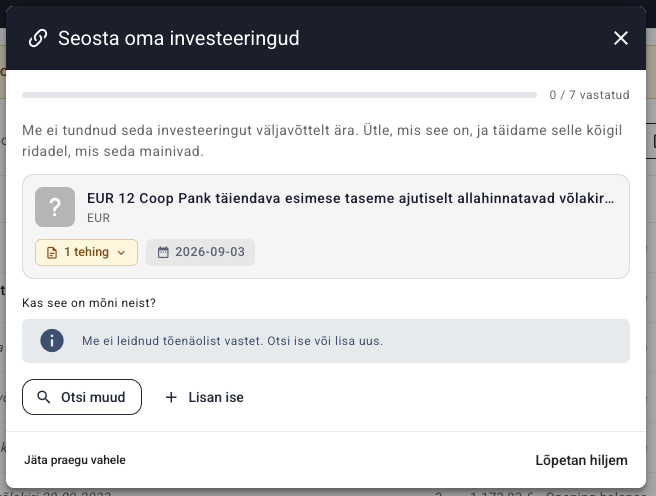
This is where most of the month went. Importing is now smoother end to end:
Guided instrument mapping: rows we couldn't match are collected into one overlay you work through step by step, instead of being scattered through the grid.
Your edits are kept: save your progress in the import review and come back later without confirming — and if you do leave, you see exactly what would be discarded.
Large imports run in the background with live progress, and you can cancel part-way.
Rows are recognised more accurately: instrument types are inferred from what the rows actually do, and generic wording no longer gets read as a trade.
Mapping rules can match on the counterparty account.
Refunds have their own transaction types, so no amount has to carry a sign anymore.
📣 Updated menus
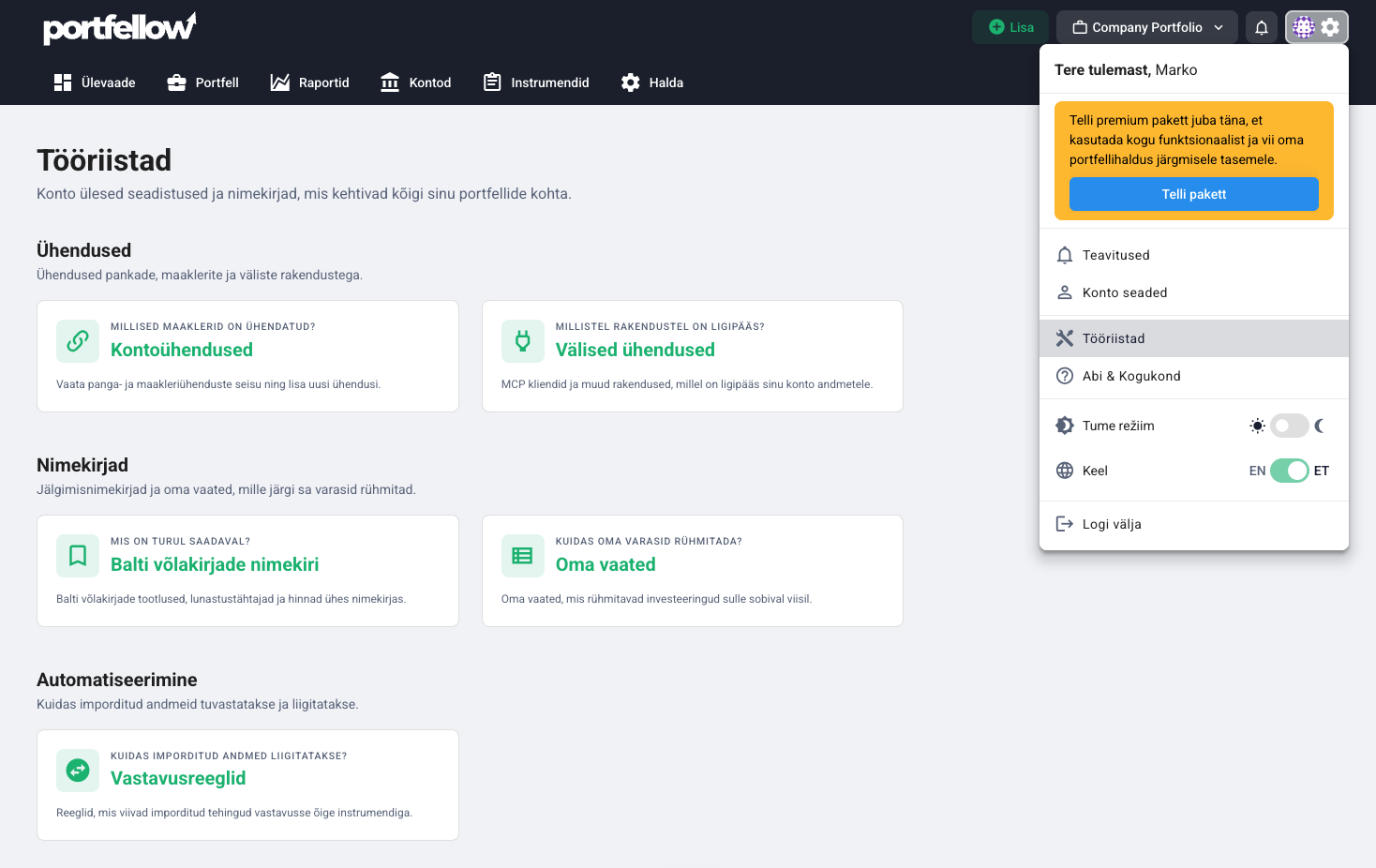
We've revamped the menu and moved pages around to make everything more logical for the user.
All portfolio-related pages can now be found in the horizontal menu.
All account-related pages, i.e. pages above portfolios, can now be found in the gear menu. For example, on the Tools page you'll find a lot of useful