If your investment portfolio has grown past €100k, you’ve likely hit the "complexity wall."
You’re no longer just holding a couple of index funds. Instead, you're juggling local stocks on LHV or Swedbank, US equities on Interactive Brokers, growth positions on Lightyear, a multi-currency account on Wise, and perhaps a few rental properties or private loans.
To cope, you’ve likely built a monster spreadsheet. It’s a beautifully complex web of manual entries, custom scripts, and hardcoded formulas that takes an hour to update, breaks whenever a currency swings, and fails to give you the real-time answers you actually need.
Portfellow solved the first part of this equation by giving you a Unified Dashboard with professional-grade, automated syncs. But today, we are taking the scalability of your wealth management to an entirely new level.
We are excited to announce our integration with the Model Context Protocol (MCP). This feature allows you to securely connect your Portfellow portfolio directly to your favorite local AI assistants (like Claude Desktop or ChatGPT), effectively turning your raw data into a custom, 24/7 financial analyst.
The Value: What Can an AI Agent Actually Do With Your Portfolio?
MCP isn’t just another feature or standard API endpoint; it’s an open standard developed by Anthropic that allows large language models (LLMs) to read data safely from local applications.
By connecting Portfellow to your AI assistant via MCP, you move past static charts and entry-level metrics. You can now interrogate your portfolio using natural language.
Here are three concrete ways our Expert Optimizer and High-Volume Diversifier users are already leveraging this tool:
1. Instant Institutional-Grade Risk Analysis
Instead of manually auditing your allocations across multiple brokers to find hidden risks, you can simply ask your AI model to look for them.
What to type: "Analyze my current Portfellow holdings. Bring out my top three concentration risks across my tech stocks and real estate, and evaluate my overall currency exposure."
The Result: The AI instantly reads your multi-asset data and might alert you that a specific US ETF and your local LHV holdings are overlapping heavily in European banking stocks, creating an unintentional sector risk.
2. On-Demand XIRR & Performance Deep Dives
Brokers love showing you simple ROI, which completely distorts reality if you add capital monthly or receive dividends in both EUR and USD. Portfellow calculates your true Internal Rate of Return (XIRR), and your AI agent can interpret it contextually.
What to type: "Act as a professional Wall Street analyst. Look at my portfolio performance over the last 12 months. Which asset class dragged down my XIRR the most when accounting for currency fluctuations?"
3. Hyper-Custom Cash Flow Projections
Tracking upcoming dividends from 50+ individual positions can get messy. Let the AI do the math.
What to type: "Based on my future cash flow data in Portfellow, map out my expected dividend income for the next quarter and suggest how I can reallocate it to balance my geographic allocation toward Asian markets."
🔒 Privacy-First Engineering: As an Estonia-based, GDPR-compliant company, your data security is our baseline. The Portfellow MCP connection is strictly read-only. Your AI agent can read your performance truth to give you elite analytical insights, but it can never initiate transactions, move funds, or alter your assets.
Technical Setup: How to Connect Portfellow via MCP
Setting up your personal AI analyst takes less than five minutes. Here is the technical workflow to get it running on your machine:
You can connect Portfellow to your favorite AI agents (like Claude or ChatGPT) using the Model Context Protocol (MCP) to seamlessly analyze your investments, generate reports, and summarize your portfolio. Because Portfellow's integration is built to standard specifications, it is highly compatible with most major MCP clients.
General Connection Details
When configuring your custom connector, you will need the primary Portfellow MCP endpoint:
Connection URL:
https://mcp.portfellow.com/mcpNote on URLs: If your specific AI client fails to connect, try entering the URL without the
/mcpsuffix at the end.
Step-by-Step Guide: Connecting to Claude
Claude currently handles the Portfellow connection smoothly without requiring complex JSON configurations.
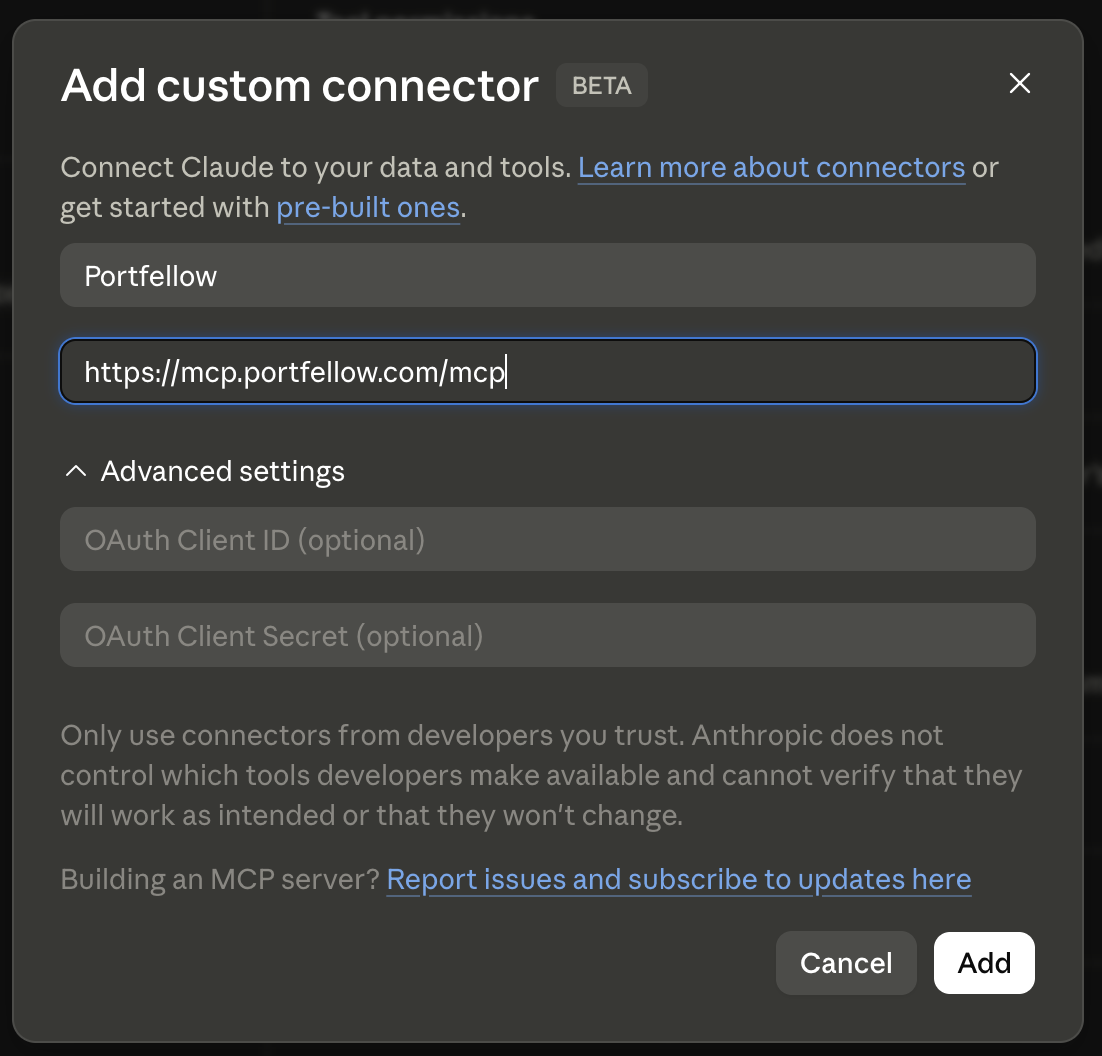
Add the Connector: In Claude's desktop app, open the Add custom connector window.
Enter Details: Type "Portfellow" into the top input field and paste
https://mcp.portfellow.com/mcpinto the URL field. You can leave the OAuth Client ID and Secret fields blank, then click Add.Authorize Permissions: You will be prompted to grant Claude access to your account. Click Allow to grant permissions to read your profile, read your portfolios and instruments, create/update transactions, and access data offline.
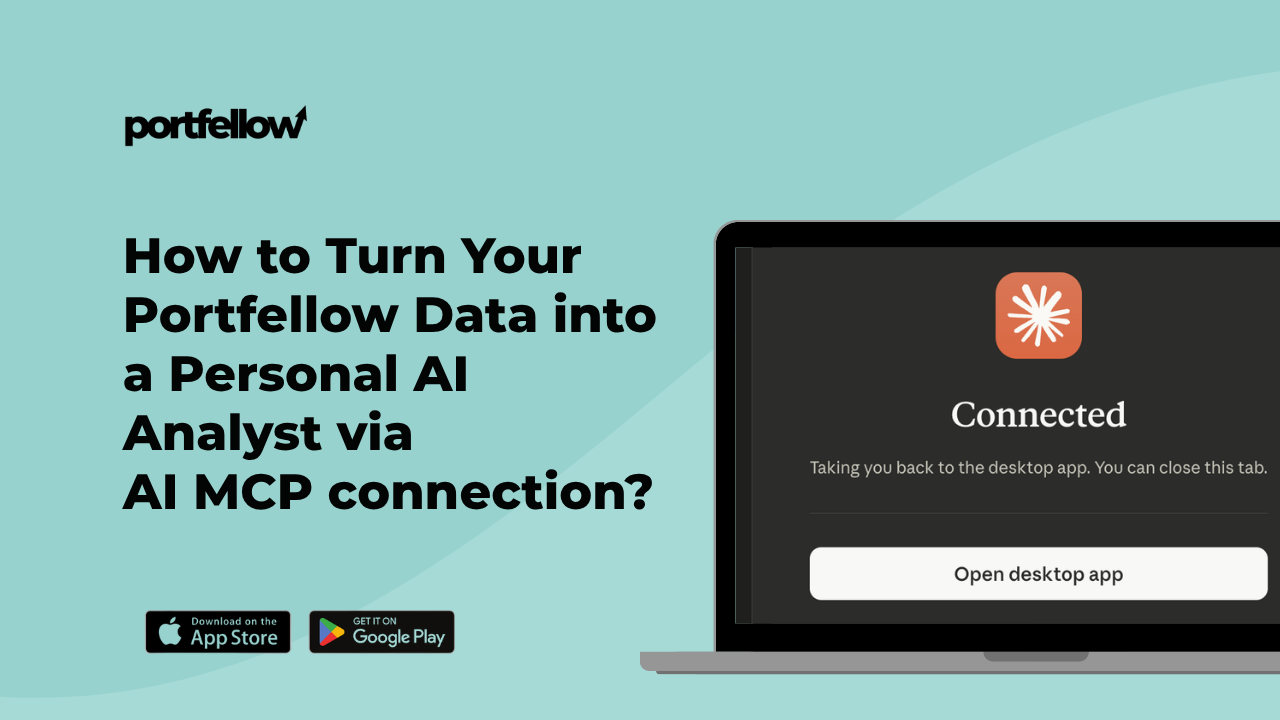
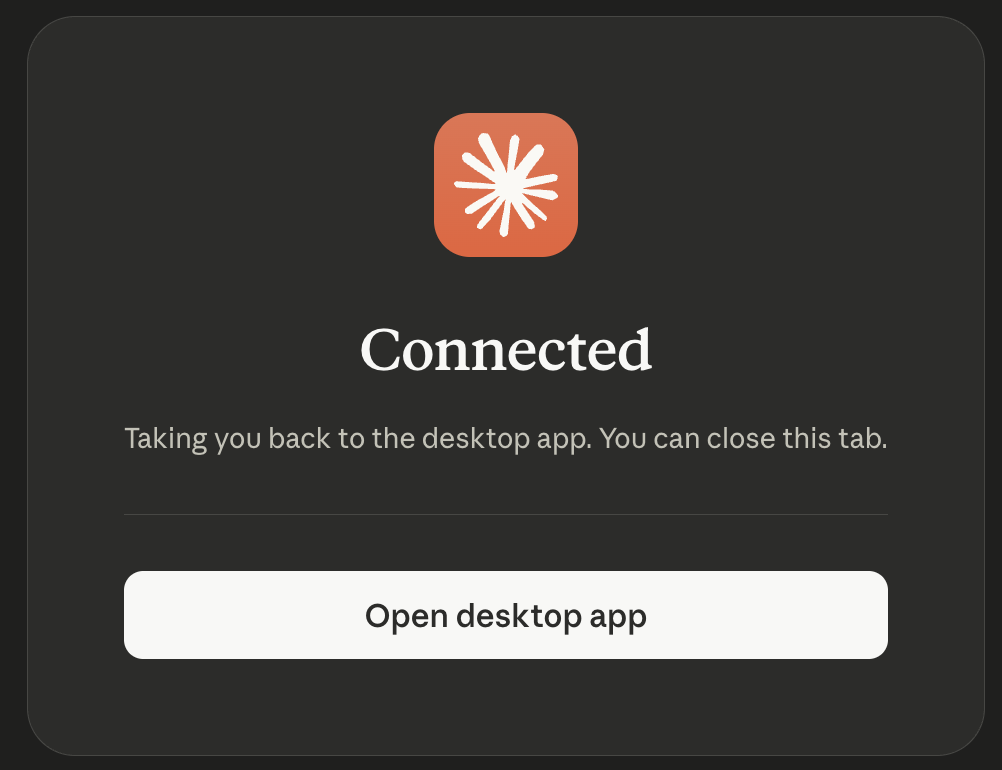
Return to App: Once authorized, you will see a "Connected" success screen. Click the Open desktop app button.
Confirm Launch: Your browser will ask for permission to open Claude. Click Open Claude to complete the setup and begin using the integration.